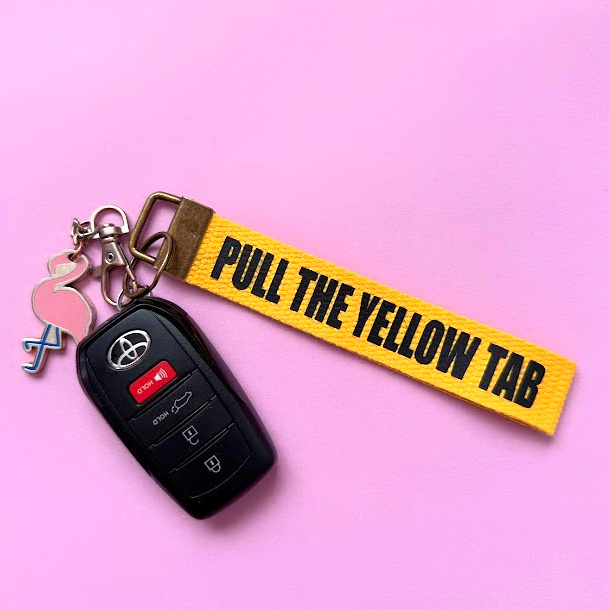
If you are a Disney fan and need the constant dopamine surge that “pull the yellow tab” gives you, then this diy keychain is perfect for you!

If you are a Disney novice- let me explain. No. There is too much. Let me sum up. Some of the rides at Disney (most of the best ones) On your seatbelt, there is a yellow tab. Once buckled and before the ride starts operating, the cast member will shine a light on each row and ask you to pull the yellow tab. This is a safety precaution to ensure that everyone’s buckled safely in.
So Yellow straps are just a fun way to bring a little Disney Magic in your everyday life!
I remember the cast members asking to pull the yellow tab, but when I asked, some people said, “pull the yellow strap.” I guess I have to go to Disney to see what one is right! HA!
Rides with Yellow Tabs:
These are the ones at Disneyland that I can remember. I don’t know Disney World well enough!
- Matterhorn
- Indiana Jones
- Soarin’
- Guardians Mission Breakout
I also want to say Star tours! Let me know if I need to add any to this list!
Supplies needed to make a Disney Keychain
- Keychain hardware
- Yellow webbing
- Heat Transfer Vinyl (HTV) also called iron-on vinyl
- A heat source – You can use an iron or a Cricut easypress 2
- an electrotonic cutting machine
Electronic Cutting Machine:
This SVG files are compatible with all the Cricut Machines, including the Cricut Explore, Cricut Maker, Cricut Joy, Silhouette Cameo, and Silhouette Portrait. I have a Silhouette Cameo that I use almost daily and LOVE. If you are new to silhouette, I created a whole Silhouette Love series! I want everyone to love their silhouette as much as I love mine!
These are some of my favorite electronic cutting machines!
- NEW Silhouette cameo 5
- Silhouette Cameo PRO (cuts 24 inches wide)
- Cricut Maker
How to create a Disney keychain
1. Cut out the vinyl on your cutting machine.
Size the project to the correct dimensions. Mine was 5 inches long.
Follow the prompts to continue to cut. Make sure you select “mirror” on the cut screen since you are using iron-on.
2. Weed the vinyl
Using a weeding tool (or even a straight pin) weed away the vinyl that is not the part of the design.
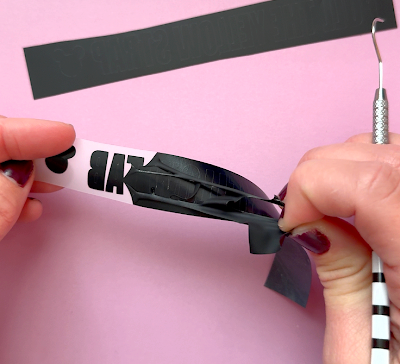
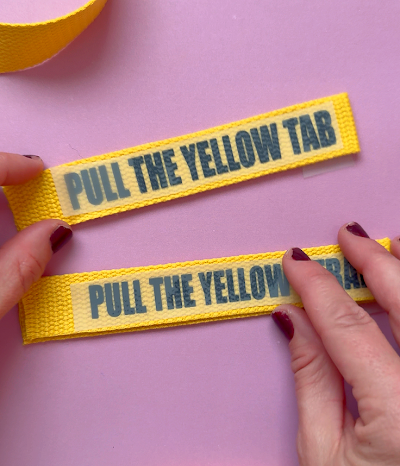
3. Place on yellow webbing
I cut the yellow webbing 11 inches long and fold it in half. Place the vinyl on
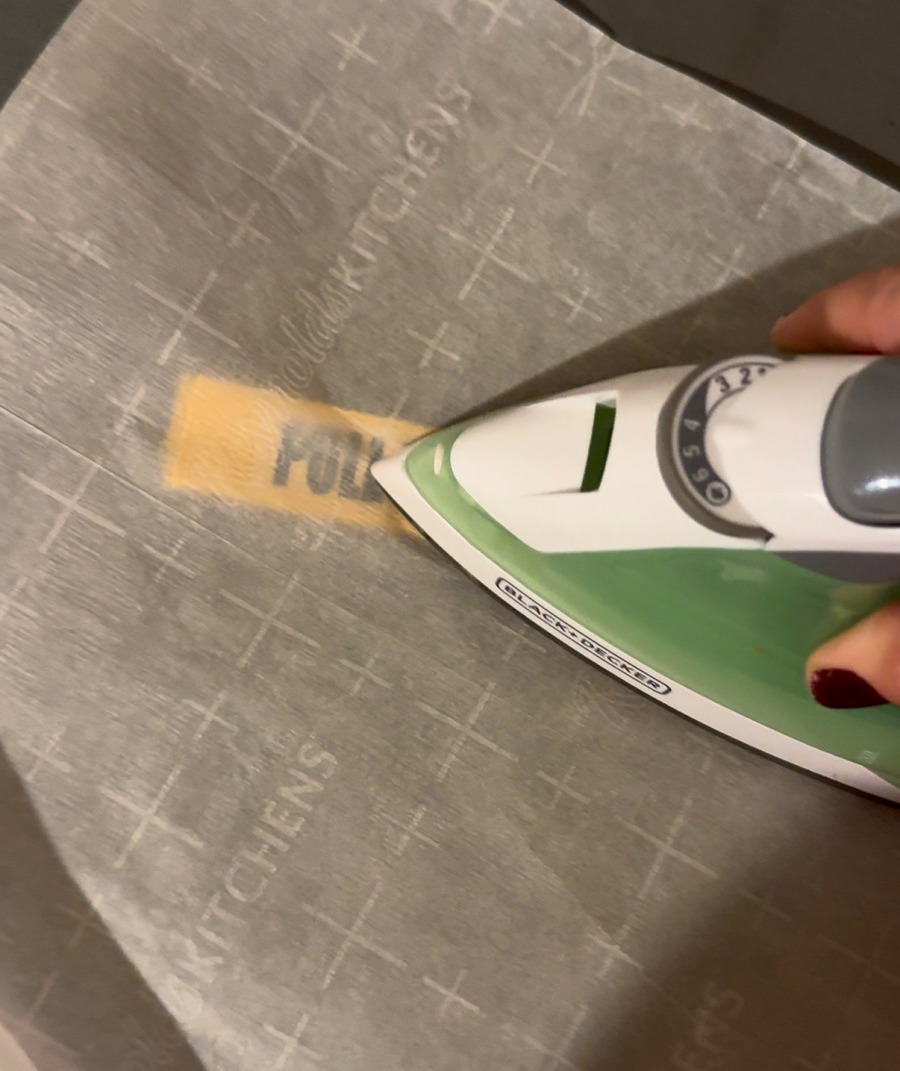
4. Press with iron
I place a piece of parchment paper to protect the yellow part from melting (I’m not sure what the materials are made from it so I didn’t want to risk melting! I pressed for the recommended time for heat transfer vinyl (350 for about 15 seconds)
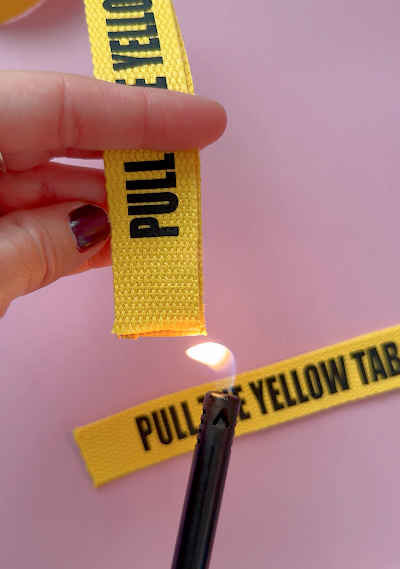
5. Melt ends
The webbing will fray, so I take a lighter or a candle and melt the ends. You don’t need to touch the webbing with the flame, just get it close enough to melt the edges.
6. Add keychain hardware
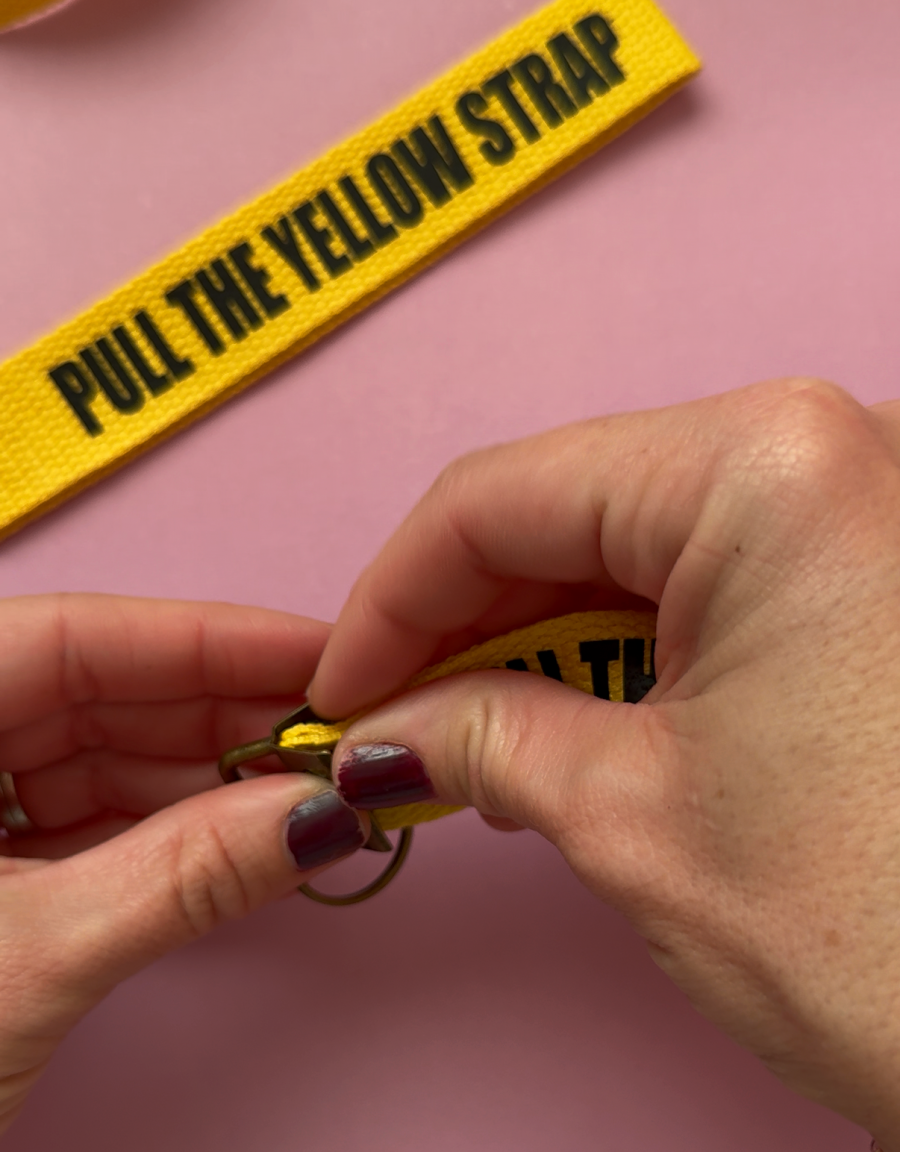
The hardware I chose has little grabber teeth on the inside.
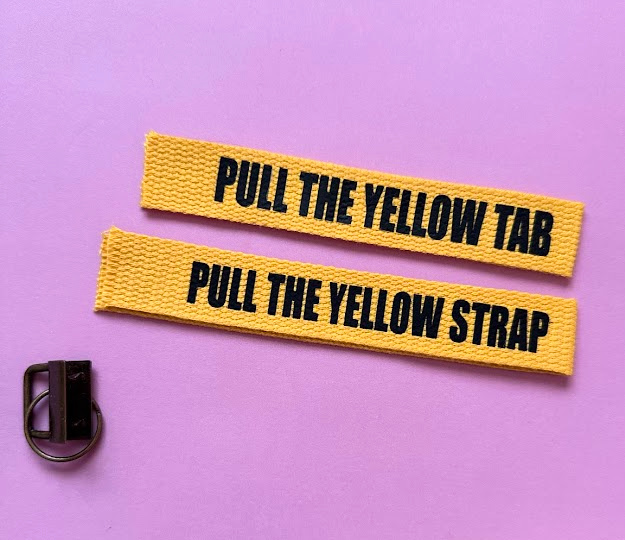
You just need to put in both ends of the webbing and clamp it down. The teeth grab the yellow part so it won’t move.
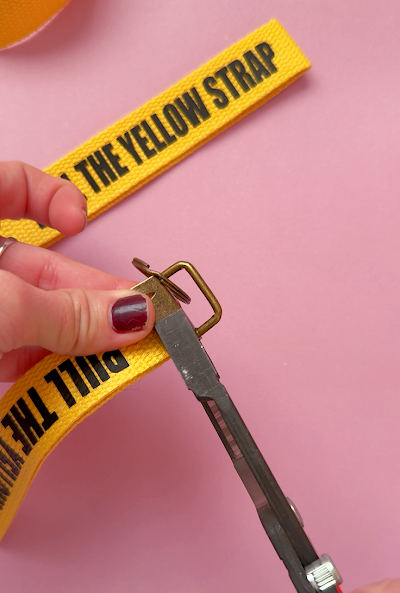
I did need to use pliers to help clamp it down tightly!
Once you are done, you can add your keys and have a little Disney whimsy added to your day!
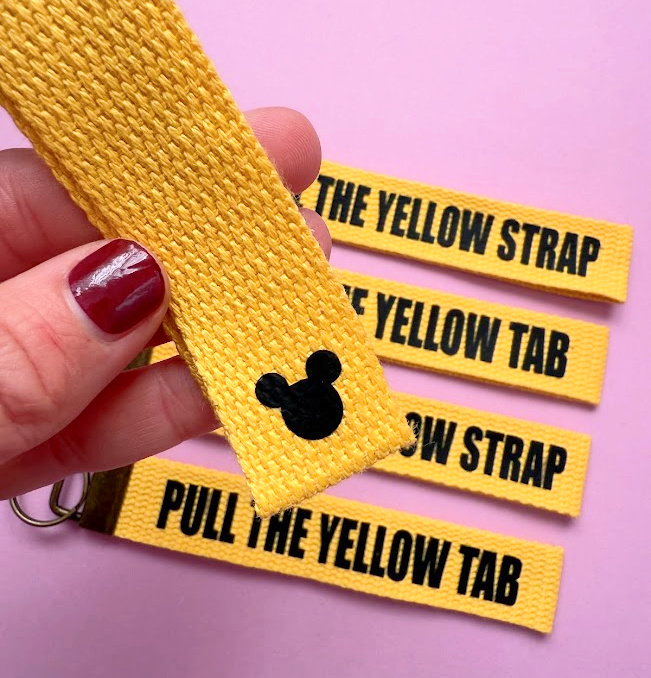
I also added a little ear decal on the back!
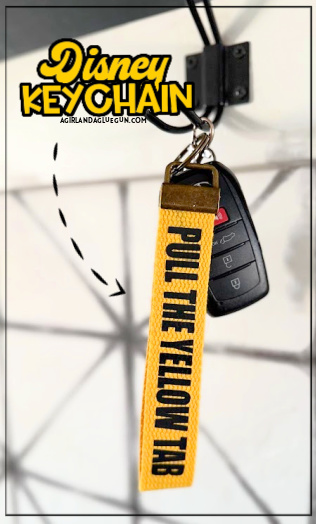
Download the SVG cut file below
If you are looking to sell products made with these free svgs please purchase a commercial license HERE! (This will let you use ANY of the free cut files I offer on my blog! If you are having a crafting day and want to use these svg designs to whip up a cute sign or tote bag-then totally free! Every cut file is hand-lettered by me on my iPad pro with an iPad pencil. I have a WHOLE video on how I create my svg cut files HERE! I love the procreate app! It has lots of awesome design elements to help me make all my graphics!
These cut file images come as
- SVG
- PNG
- JPEG
- DXF
Note for Silhouette Cameo Users: Remember that you need the Designer Edition of Silhouette Studio to open the SVG files! You can open the DXF and PNG versions of the design with the basic edition of Silhouette Studio.
Sign up below to access this cut file and all my free cut files offered on my website! It’s well over 175 SVG freebies! Members can log in right here!


If you do not see the form above, you can sign up here.
Save for later
Too busy to get crafting today? No problem! Pin this post to remind yourself about this project later! Sharing my projects helps me reach more people, allowing me to continue sharing free content!
Leave a Reply